
4.3 KiB
| id | title | description | tags | lang | |||
|---|---|---|---|---|---|---|---|
| example-kernel-update | Example: Kernel update | A complete process page — tables, a draw.io swimlane, an Excalidraw sketch and a video — created from the process template. |
|
en |
Example: Kernel update
This page is a worked example. It documents a fictitious process — updating the kernel on a fleet of Linux servers — and shows most of what a page in f451 can contain. It was started from the Process runbook template; see templates-and-metadata for how templates work.
Note
What this page demonstrates: tables, callouts, a draw.io diagram (swimlane), an Excalidraw sketch, an embedded YouTube video and links to other pages. Open it in the editor to see how each is written — both diagrams can be edited right there.
Profile
| Field | Value |
|---|---|
| Process ID | OPS-LNX-001 |
| Process owner | Platform team |
| Scope | All Linux servers (development, staging, production) |
| Trigger | Security advisory, vendor release, planned maintenance window |
| Purpose | Keep every server on a current, supported and secure kernel |
Process flow
The lifecycle as a swimlane — one lane per role. This is a draw.io
diagram: the image you see and its editable source live in the same file,
_media/lifecycle.drawio.svg, next to this page.

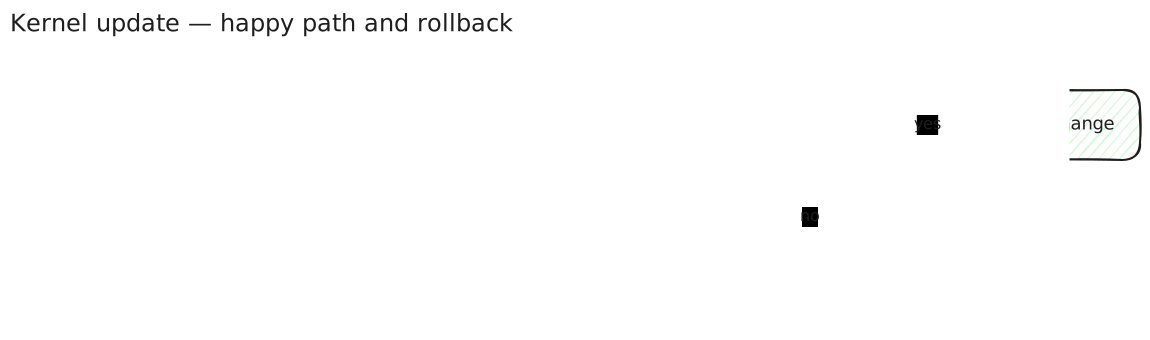
The technical core, sketched by hand. This one is an Excalidraw drawing
(_media/rollback.excalidraw.svg) — quicker to draw, deliberately informal.
Steps
- Request — raise a change: servers, target kernel, maintenance window, risk.
- Assessment and approval — the platform team assesses; the change manager approves. No approval without the mandatory documents below.
- Preparation — install the new kernel on development servers and run the smoke tests.
- Staging — roll out to staging, run the regression tests, record the result.
- Production — roll out in the approved window, one group of servers at a time.
- Acceptance — the service owner confirms the functional checks.
- Closure — close the change, update the inventory, attach the evidence.
Warning
Keep the previous kernel installed until acceptance. It is the rollback path: if the checks fail after the reboot, boot the previous kernel and reopen the change.
Technical execution
# Record the current state
uname -r > /var/tmp/kernel-before.txt

# Install the new kernel (Debian/Ubuntu shown; adapt to your distribution)
sudo apt-get update && sudo apt-get install --only-upgrade linux-image-generic

# Reboot inside the maintenance window, then verify
sudo systemctl reboot
uname -r
systemctl --failed
Responsibilities
| Activity | Requester | Platform team | Change manager | Service owner |
|---|---|---|---|---|
| Raise change | R/A | C | I | C |
| Technical assessment | I | R | A | C |
| Approval | I | C | A/R | C |
| Perform update | I | R/A | I | I |
| Functional acceptance | I | C | I | R/A |
R = Responsible · A = Accountable · C = Consulted · I = Informed
Required documents
| Document | Mandatory | Where |
|---|---|---|
| Change request | yes | Ticket system |
| Test record (staging) | yes | Attached to the change |
| Rollback plan | yes | This page, step 7 |
| Acceptance record | yes | Attached to the change |
Background
Why the kernel matters, from the person who started it:
https://www.youtube.com/watch?v=o8NPllzkFhE
Related: writing-a-page explains how a change to this page goes through review before it is published.